Give your teachers
what they want
Ekadem gives schools the full classroom suite teachers already use, managed at school or district level.
What you get
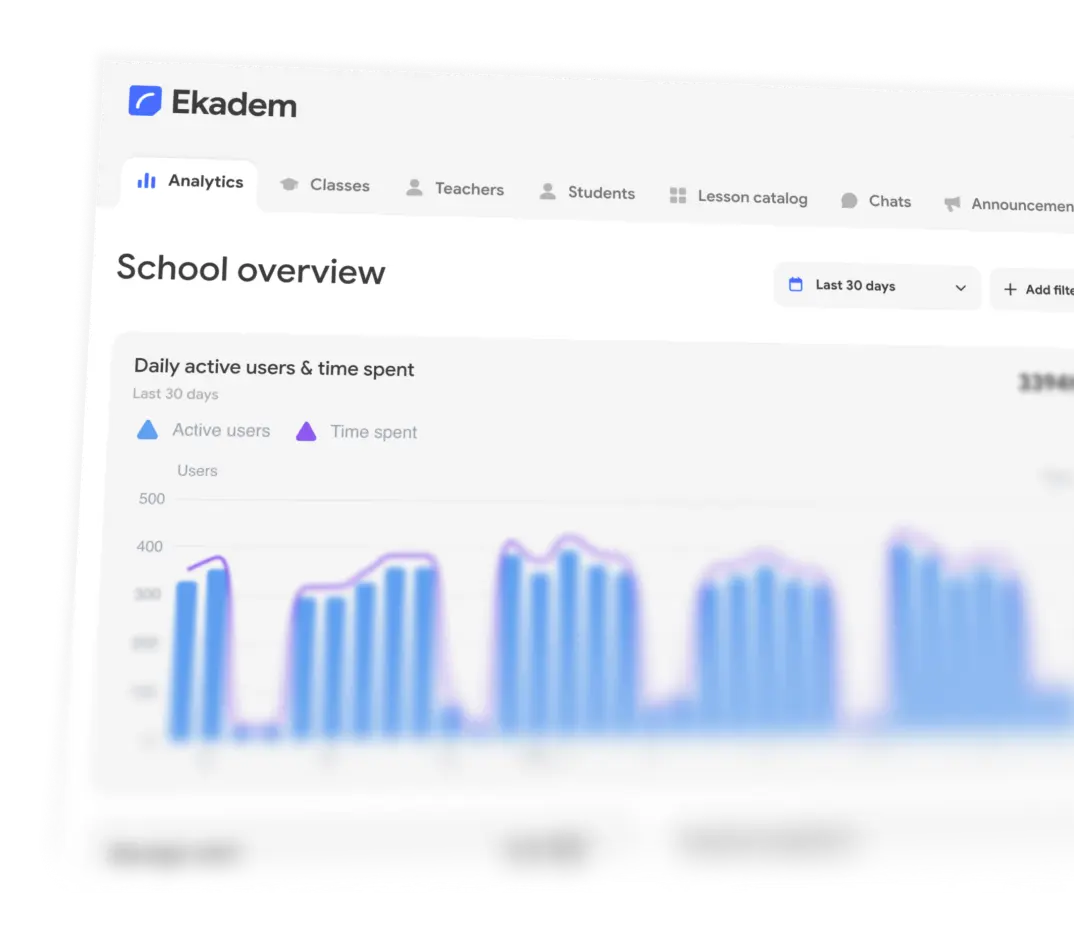
- Usage analytics
- Roster sync
- School lesson catalog
- AI and scoring policy
- Chat moderation
- Staff roles and audit log
Timeline
- TodayBook a call (optional)
- TodayStart your pilot
- Week 6Get your pilot report
- Week 7Pick plan
Ready to give your teachers better tools?
Frequently asked questions
What does a pilot include?
Up to five teachers, each running up to three classes, with up to 200 students between them. A pilot runs for six weeks and comes with an AI allowance for the whole pilot, so teachers can try the AI features with their classes. You don’t pay anything for it and we don’t ask for a card.
Your teachers get the full classroom suite and you get the school portal, so you can try both sides of Ekadem in real lessons.
How long does it take to set up?
A few minutes. Tell us who you are and which school you’re setting up, book a short call with us if you’d like one, then fill in your school’s details. From the portal, accept the legal documents and invite your pilot teachers. They can start teaching the same day.
We run a limited number of pilots at once. If every place is taken, we review your school and email you as soon as your pilot is approved. You can set everything up while you wait.
What happens when the pilot ends?
We go through how the pilot went with you, then agree a plan for your school or district. School plans go through an order form rather than a card. Nothing is charged automatically when the pilot ends.
Can we sync our roster from our SIS?
Yes. Connect Clever or any OneRoster 1.1 or 1.2 API, upload a OneRoster CSV export, or import a plain CSV, TSV or Excel file. A connected roster syncs every night and keeps people, classes and enrolments matched to your SIS.
Every sync has a safety limit. If a nightly run would remove more of your roster than you allow, it stops without removing anyone and emails your administrators, because a truncated export looks exactly like that. You can preview any sync before running it.
Our younger students don’t have email addresses. Can they still sign in?
Yes. Ekadem can create a username and password for each student in your roster. You see the passwords once, so you can print them or hand them out in class. Students who do have school accounts can sign in with Google or Microsoft.
Can administrators see student chats?
You decide who can start direct chats at your school. Messages that get flagged come to a review queue in the portal, where an administrator with chat review rights can read the conversation and dismiss or follow up on the flag.
Opening a conversation is never silent: it is recorded in the audit log with the administrator’s name and both participants.
Can teachers share lessons across the school?
Yes. The school lesson catalog is a shared library your teachers can draw on. Good lessons end up in one place, organized in folders, and colleagues get a head start on their next class instead of starting from a blank page.
Who can do what in the school portal?
The person who sets up the school is its owner. They can add administrators and give each one only the rights they need: viewing analytics, managing people, classes or the lesson catalog, running the school, managing other administrators, reviewing chats and viewing the audit log. Ownership can be transferred.
The audit log records administrative actions, so you can always see who changed what and when.
What does our privacy team need to sign?
The documents depend on your country and your students’ ages. That covers GDPR in the EU, Swiss data protection law, German school requirements, and FERPA, COPPA and state student-privacy laws in the US. The school owner accepts them in the portal, and until they do, no invitations go out to teachers or students.
Your school stays in charge of its records and Ekadem processes them on its instructions. School data isn’t sold, isn’t used for advertising and isn’t used to train AI models. The school terms, data processing addendum, student data addendum, subprocessor schedule and AI use policy are all in the Legal centre.
Where is our data stored?
A custom deployment on servers in Europe is possible as well. Talk to us about what your school needs.
What is Ekadem for Schools?
Ekadem for Schools gives a whole school or district the classroom suite teachers already use, with lessons, exams, materials, a lesson catalog, chat and live monitoring, plus a school portal to run it. The portal covers roster sync, staff roles, AI and scoring policy, chat oversight, usage analytics and an audit log.
How much does Ekadem cost for a school?
The pilot is free. After that, school and district plans are priced for your school and agreed with you, depending on its size and what you need. Email hello@ekadem.com or book a call when you set up your pilot, and we’ll work it out together.
A single teacher can also start on their own. Ekadem for Teachers has a free first class and a $13 monthly plan.
Do teachers and students need to install anything?
No. Ekadem runs in the browser on school laptops, Chromebooks, tablets and phones, with nothing to install and nothing to keep updated. Students join a class by scanning a QR code, following an invite link or typing a class code.
Does Ekadem work with Google Classroom?
Yes. Teachers can connect Google Classroom and bring their existing courses and students across instead of entering everyone again. For the whole school, a roster sync from your SIS keeps everything up to date.
Can we use Ekadem across a district?
Yes. Ekadem supports district administration across several schools, and a Clever or OneRoster connection can sync every school’s roster at once. Contact us to talk through the scope, deployment and pricing for your district.