Learning,
The Way It Should've Always Been.
Upload your material and generate an interactive learning path
Interactive exercises
for every subject
Quadratic Equations
Sort into quadratic, linear and periodic
Label
Label
y = 3x + 7
y = x2 + 2x − 5
y = x2
Protein Synthesis
Order the steps of protein synthesis
Flags of the World
Connect these countries to their flags
Redox Reactions
True or false?
Answered true
Plant Biology
Which tree leaf is shown?

French Revolution
Fill in the gap
1789
Atomic Structure
Draw a lithium atom in the Bohr model
French Vocabulary
What does « le renard » mean?
Fox, selected
SQL Queries
Build a query to select all users
Generate flashcards
in seconds

What are the hair-like extensions on the outer layer, and what do they do?
AI-Generated summaries
for quick reference
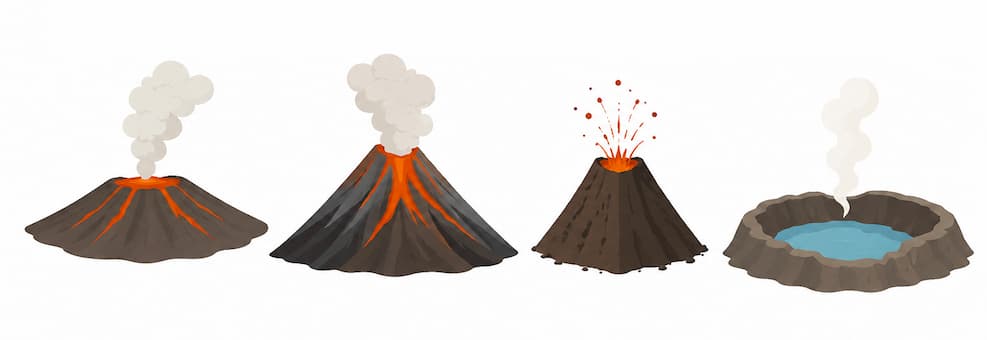
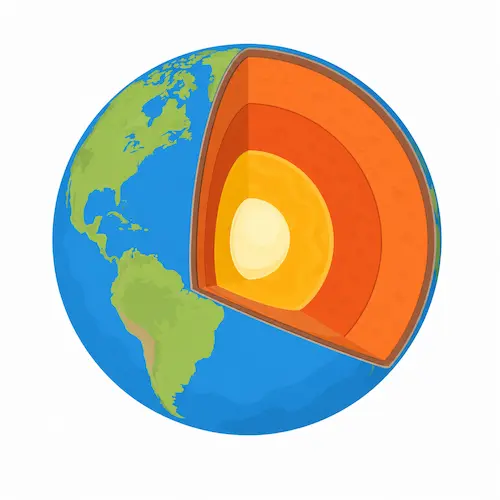
Volcanos
Study sheet
Stay motivated
with friendly competition.
Leaderboard
Tom
394
Tung
220

John
90

Gabriel
27

Tung is also studying
Pricing
Free forever
Free
Plus Plan
$7/ month
- Course generation
- Study sheet generation
- Flashcard generation
- Mind map generation
- Mock exam generation
Give it a try
You'll love it!
Sign upFrequently asked questions
What is Ekadem?
Two things, really. For students it takes whatever you’re studying from, whether that’s your notes, a PDF or the slides your teacher put up, and turns it into exercises you actually do, plus flashcards, study sheets and mind maps, laid out as a path you work through.
For teachers it’s a digital classroom: they plan the lesson, set the activities and see how everyone is getting on while it happens. Same app at both ends, so the practice you do on your own sits right next to the lessons you’re actually being taught.
How does it turn my notes into exercises?
Upload a file or paste the text in, then say roughly what you want out of it. It reads through and writes the questions: multiple choice, true or false, gaps to fill, things to put in order or match up, a bit of writing, a drawing task, some code if that’s the subject. Then it puts them in an order that makes sense, starting with the theory and ending with something harder. Anything it writes, you can edit or ask for again.
What can I upload?
PDFs, Word docs, PowerPoint, plain text and Markdown, spreadsheets and CSVs, images and screenshots, and audio or video if you recorded the lesson. Several files at once is fine, and they all feed the same course, so the chapter scan, the slides and your own messy notes end up in one set of exercises.
Is Ekadem free?
There’s a free plan and it doesn’t run out. You get an account, you can work through lessons and exercises, study your flashcards, and keep your progress and your place on the leaderboard.
What you pay for is the generating: courses, study sheets, flashcard decks and mind maps built out of your own material. That’s Plus, $7 a month. Checkout is the honest answer on price, currency and tax for wherever you are.
Can I make flashcards from a PDF?
Yes. Upload it, wait a few seconds, and there’s your deck. The same file will give you a one-page study sheet or a mind map instead if that suits you better, and it pulls in diagrams from your material where a picture does the explaining. All three are Plus features.
Does it work for my subject?
If you can put it in a document, probably. Maths has a real formula keyboard and plots the functions. Sciences get drawing and labelling. Languages get vocabulary and reading out loud into your mic. Programming gets an editor that runs your code for real, SQL included, against an actual table.
Does Ekadem work on my phone?
It’s a website, so anything with a browser: phone, tablet, laptop. On a phone it’s laid out for thumbs rather than a mouse, and you can add it to your home screen if you’d rather it opened like an app. Nothing to install, and your work is wherever you sign in.
What languages is it in?
58 for the interface. The material itself can be in whatever language your course is in, which is the part that matters if you’re using it to learn a language rather than just to study in your own.
Do you train AI on my work?
No. School data never goes near model training, we don’t sell personal information, and there are no ads in the product. Where a feature uses AI it says so, and only what that one request needs gets sent.
It can still be wrong, though, so don’t take a generated answer on trust. Check anything that’s going into an exam. The AI Transparency Notice and the Privacy Notice go into it properly.
I’m a teacher. Is there a version for me?
Two, actually. Ekadem for Teachers is the classroom side: your own classes that students join by email or a code, lessons and exams you publish, everyone’s progress live while they work, and comments written onto the work itself. Your first class is free, for good, without a card; more classes and a bigger AI allowance are $13 a month.
If it’s the whole school rather than one classroom, Schools & Districts adds roster imports, AI and scoring policy set centrally, a choice of EU or US data region, and an admin portal. That one is priced per school.
How do I cancel?
Plan & limits in the app, then Manage subscription. That drops you into the billing portal, where you can switch plan or cancel. Cancelling stops the next payment and you keep everything until the period you’ve already paid for runs out. It doesn’t delete your account or your work, though; that’s a separate thing you have to ask for. The subscription notice has the rest.