1. Write a lesson
Type out the tasks your students should work through, and attach any files they need.
Ekadem is your digital classroom. Create activities, assign lessons, share materials, and support every student with AI.
Type out the tasks your students should work through, and attach any files they need.
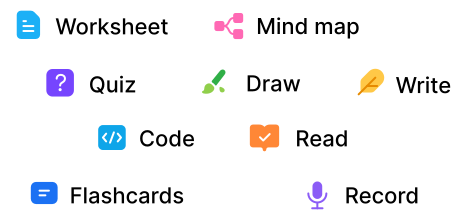
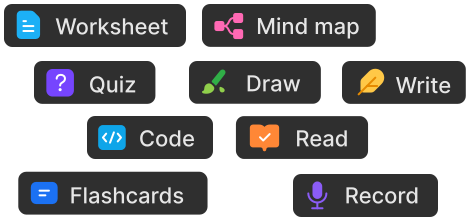
Pick from worksheets, quizzes, mind maps, code, drawings and more.
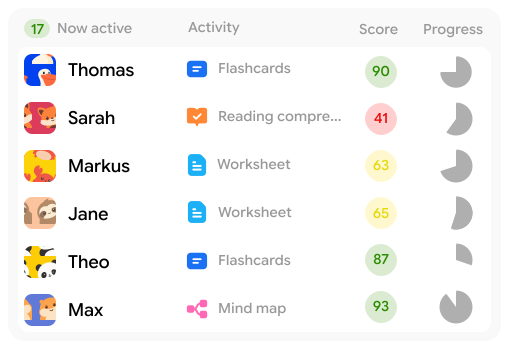
See who’s working, who’s stuck and who’s done.
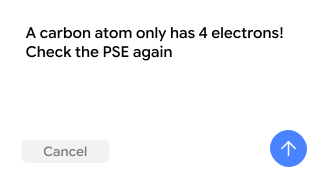
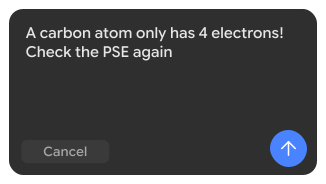
Leave a note on the exact question or sentence. Your student sees it right away.
Tell the assistant what you’re teaching. It helps you structure the lesson, create activities, and prepare worksheets and quizzes.
Upload your PDFs or Word files and let students work on them digitally.
All built in. Nothing to install.
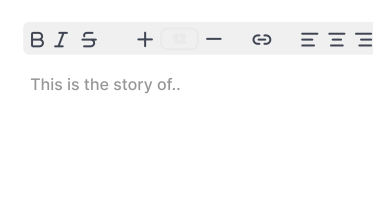
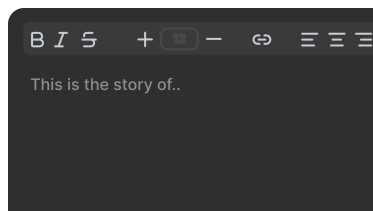
Let your students write a text in a text editor and get AI feedback on it
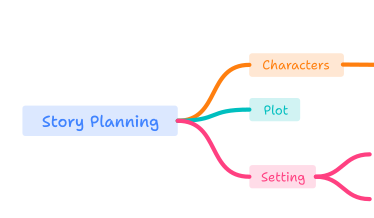
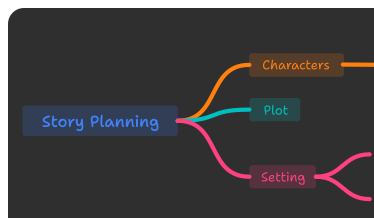
Let your students brainstorm with a mind map to start into a topic or collect ideas
Let your students read a text and answer questions about it
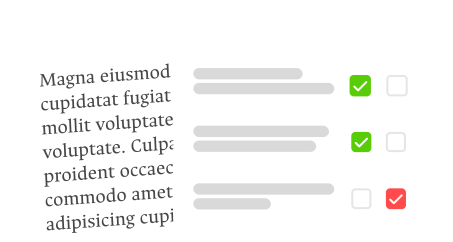
Let your students work visually to strengthen understanding
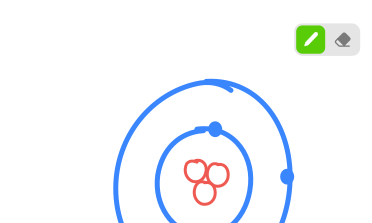
Let your students answer questions and practice what they just learned

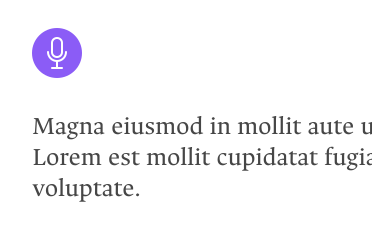
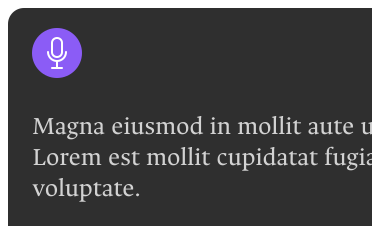
Let students practice pronunciation by making them read texts aloud
Every activity drops into the same lesson
 together
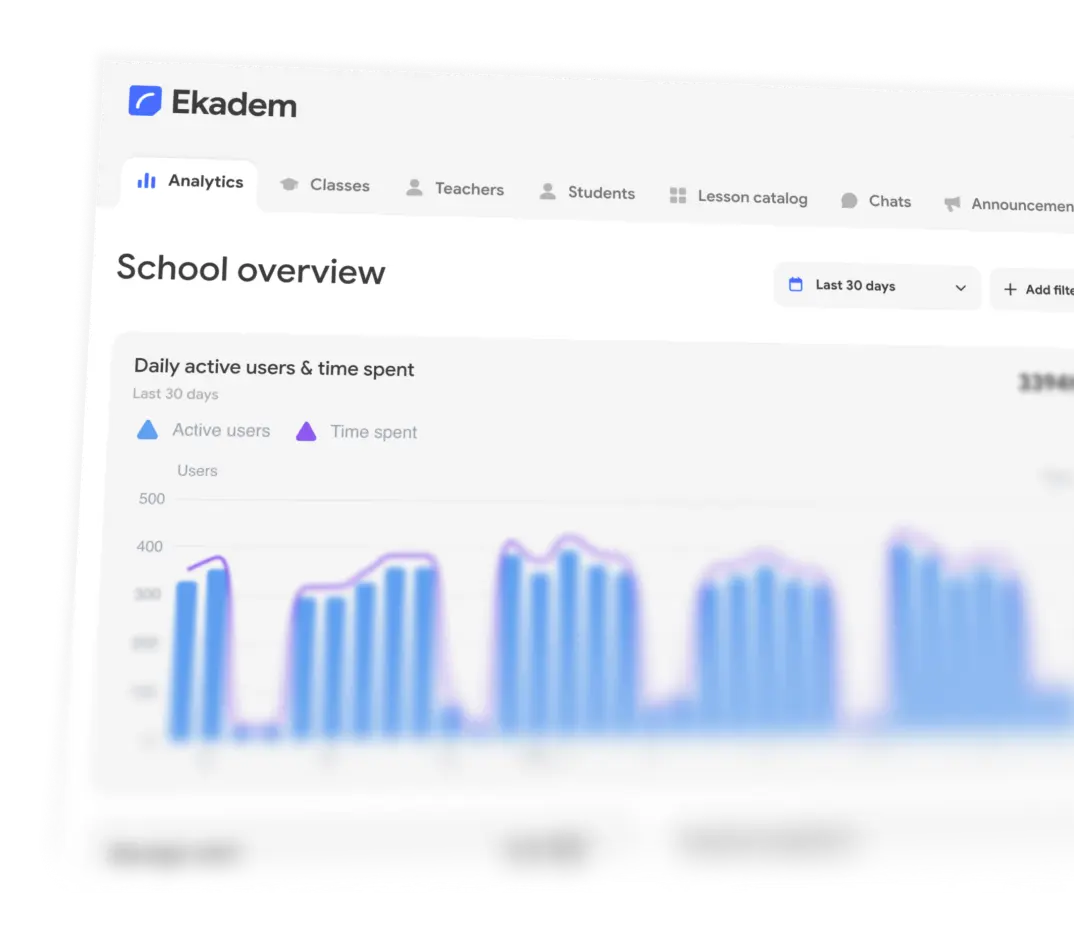
Ekadem gives schools the full classroom suite teachers already use,
managed at school or district level.
Organize classes, messaging, files and access in one place, with roster
sync, shared lesson catalogs and advanced data controls built in.
Your first class is free, forever
More activities are always on the way.
Everything your class runs on
No credit card required.
Sign upA classroom that happens to be digital. You plan the lesson, put the activities together or upload the ones you already have, and publish it to your class. Then you watch it happen, seeing who is on what and who is stuck, and write your feedback straight onto the work. Your students are in the same Ekadem they’d use on their own at home.
Your first class is free, for good, and we don’t ask for a card. It comes with 100 MB of storage, a few free AI generations to try things out, and an AI allowance for you and your students — one for your first month, then one more to keep. If the AI allowance runs out, the class keeps working; only its AI parts pause. For more classes and a monthly AI allowance, Teacher is $13 a month and you can stop whenever. Your students don’t pay anything to be in your class. If it’s the whole school, that goes through an order form rather than a card.
Yes, and it’s the bit most teachers ask about first. Upload the PDF or the Word file and your students fill it in on screen, with pen, shapes, text boxes and an eraser, straight on the page. You write your comments on their copy. Nothing gets printed, collected, carried home or lost.
It isn’t only worksheets. Share any file with the class — a reading, a slide deck, a photo of the board — and it sits in the lesson for everyone, where students can highlight it and keep their notes on it as they read.
You tell it what you’re teaching and it comes back with a shape for the lesson, drafts of the activities, and the worksheets, examples and questions to go with them. All of it stays editable and none of it reaches your class until you publish.
Think of it as a first draft from a keen but inexperienced colleague. It gets things wrong and it doesn’t know your class, so read it before your students do.
No. It drafts the lessons, generates the exercises and answers student questions out of your material, but you edit all of it, you decide what gets published, and the feedback on student work comes from you.
Think of it as a very fast assistant rather than a substitute teacher.
No. When a student asks for help on an exercise, the assistant can see what they have tried and comes back with hints and questions, the way a tutor would, instead of handing over the solution. The work stays theirs to do.
Writing, with AI feedback on it. Mind maps. Read-and-answer. Drawing. Question sets. Reading aloud into the microphone for pronunciation. Then the familiar ones: quizzes, true-or-false, flashcards, gap-fill, matching, coding and SQL tasks, surveys, file hand-ins and full exams.
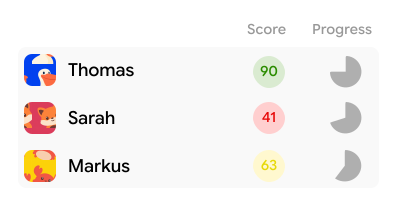
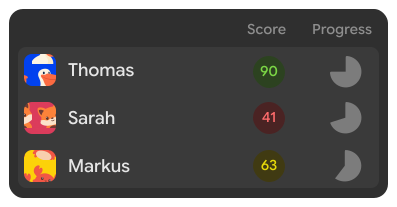
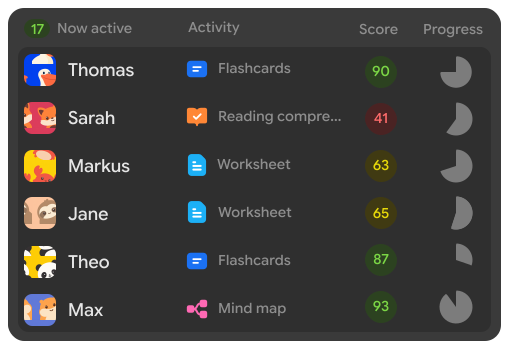
Yes. The class list shows every student, what they’re on, their score and how far through they are, and it keeps updating. Open somebody’s work mid-lesson, see where it went wrong and leave a comment on it, all without stopping the room.
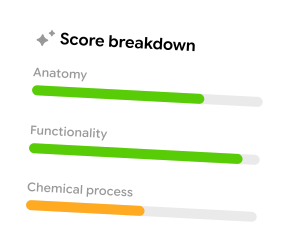
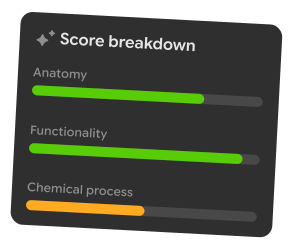
No, and it’s built so it can’t. New school classes have AI scoring on by default after the school’s checks, and the school can switch it off. It gives you a progress indicator: a percentage and a colour saying roughly how someone is doing. It can be wrong, incomplete or biased, so review the work yourself.
It is not a grade and it never becomes one. The student doesn’t see it and nor do their classmates. It stays out of reports and transcripts, can’t be exported, and never goes to parents. Grading stays something you do.
A browser. Ekadem runs on school laptops, tablets and phones, with nothing to install and nothing to keep updated.
Getting in is a scan of the QR code or a tap on your invite link, then they sign in and they’re in your class.
Show the QR code and they scan it, send an email invite, or read out the join code and they type it in once. Schools can import a roster from CSV, TSV or XLSX instead, or pull their classes over from Google Classroom.
Yes. Turn the integration on and you can bring your existing courses and students across rather than typing everyone in again.
Every school workspace is put on an EU or a US data plane when it’s created. The school stays in charge of its records and Ekadem works to its instructions as the processor.
School data isn’t sold, isn’t used for advertising and isn’t used to train general-purpose models, and subprocessors can’t use it for their own ends either. The paperwork your data protection officer will want is all in the Legal centre: the DPA, the subprocessor list, the retention schedule and the school AI policy.
That’s Ekadem for Schools & Districts. You get a school portal on top: roster import, staff and class admin, AI and scoring policy set centrally instead of class by class, your choice of EU or US data region, and the signed agreements someone will inevitably ask for. It’s priced per school, so email hello@ekadem.com and we’ll work it out with you.
Yes, and most of them do. A free personal Ekadem account keeps going after the bell, with their own material and their own revision. Studying and practising are free. Generating their own courses, study sheets, flashcards and mind maps out of their notes is Plus, at $7 a month.